How to Build Agentic AI Apps: A Problem-First Guide
Most AI agent projects fail. Gartner says 40% will be scrapped by 2027.
The reason isn't bad code. It's not the wrong framework. It's starting with the tech instead of the problem.
Building agentic AI applications with a problem-first approach fixes this. You don't ask "what can an AI agent do?" You ask "what specific problem do I need to solve?"
That one shift makes a big difference. Teams that start with a problem have a 40% higher success rate than teams that start with the technology.
This guide shows you how to do it. You'll get a step-by-step framework, the right architecture for your use case, and tips from real deployments that worked.
What Is a Problem-First Approach?
A problem-first approach means you define the problem before you write any code.
This sounds obvious. But most teams skip it.
A tech-first approach sounds like: "Let's build an AI agent for customer support."
A problem-first approach sounds like: "Our support team spends 70% of their time on password resets. We want to cut that by 60% in 90 days."
See the difference? The second version has a clear goal. You know when you've won.
That framing gives you three things:
- A number to hit (60% reduction)
- A time limit (90 days)
- A signal to stop building when it works
Without those, you keep adding features. Costs grow. The project drifts. Eventually it gets cancelled.
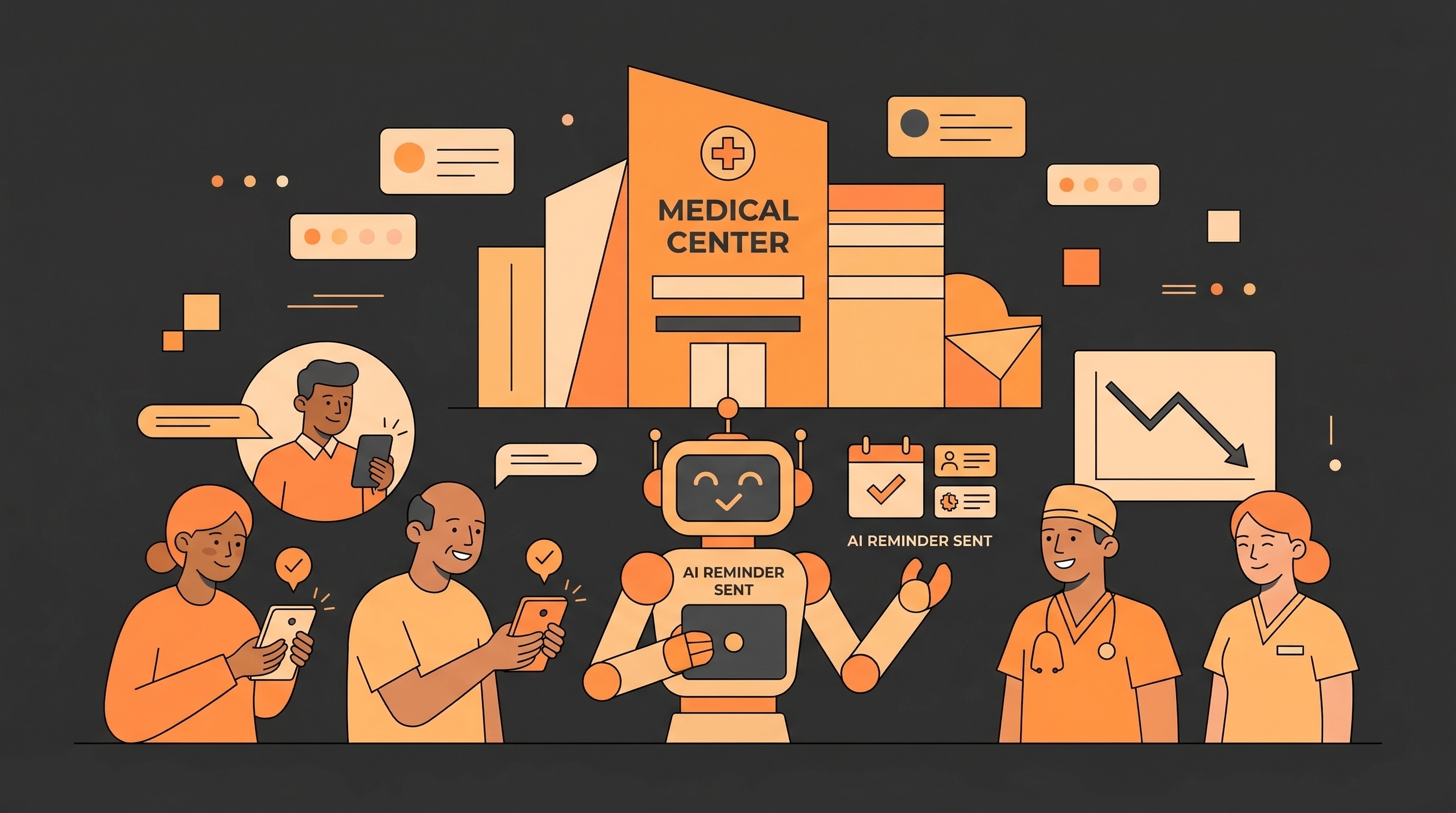
Emirates Hospital in Dubai tried the problem-first approach. They picked one problem: too many patients missed their appointments. They targeted that. No-shows dropped from 21% to 10%. Done.
The 5-Phase Framework
Building agentic AI apps isn't like building regular software. Use this five-phase approach.
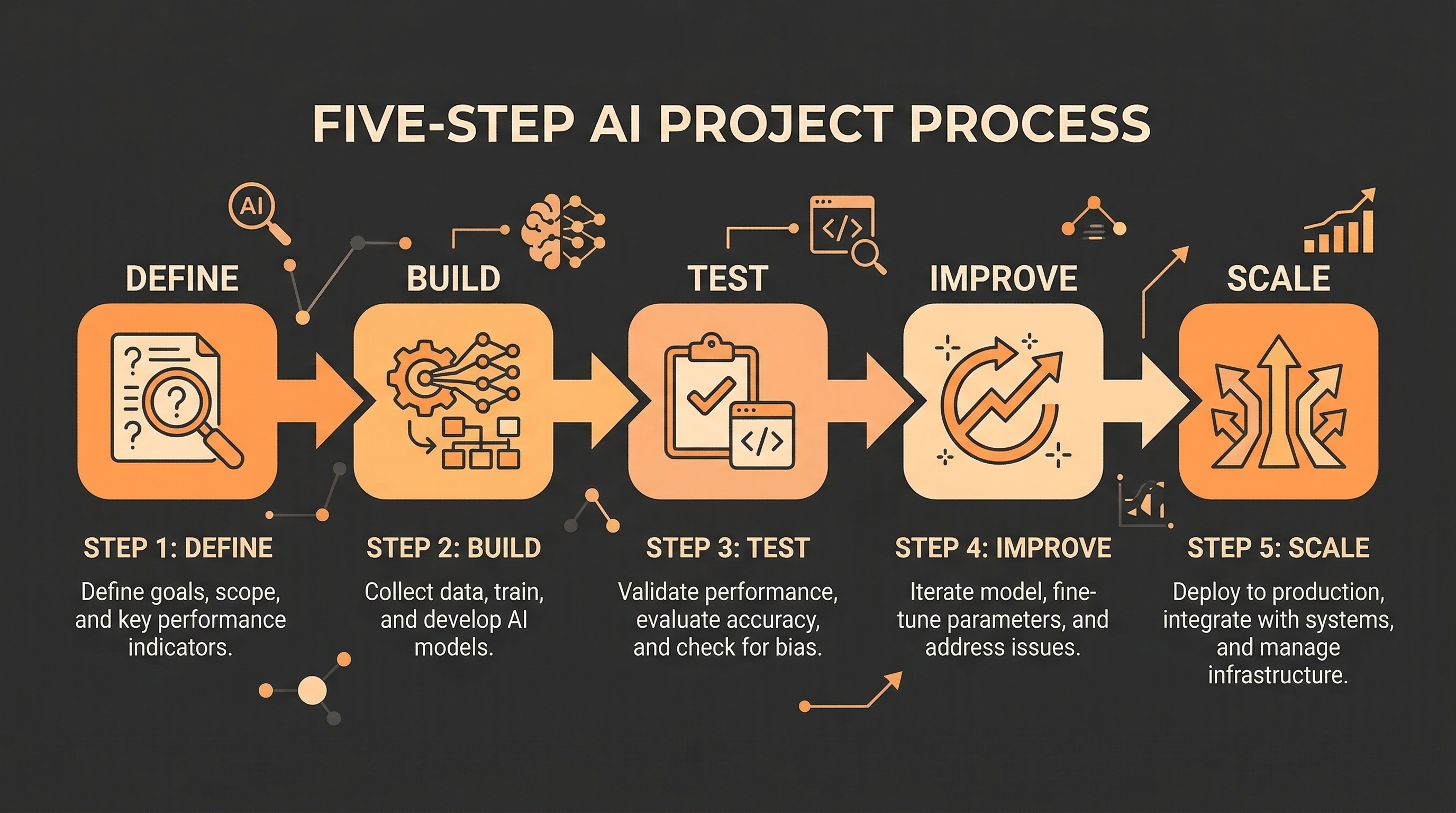
Phase 1: Define the Problem
Before you open a code editor, write down four things:
- The exact problem — not "improve support" but "reduce ticket response time from 4 hours to 30 minutes"
- The cost today — how much time, money, or errors does this problem cause?
- One success metric — the single number that tells you the agent is working
- The current workflow — how do humans do this task today? Draw it out.
Can't fill in all four? You're not ready to build yet.
Phase 2: Build the Smallest Agent That Works
Start small. Build only what solves the core problem.
Your first agent should have:
- One AI model at its core
- 2–5 tools (search, database lookup, email — whatever the task needs)
- Simple memory (just the current conversation — nothing fancy)
- A basic way to trigger it
Don't add complex memory, multi-agent systems, or advanced logging yet. Every extra layer means more to debug before you can even measure if the agent works.
Phase 3: Test It in a Safe Environment
Don't put your agent straight into production. Run it in "shadow mode" first.
Shadow mode means the agent runs alongside your real system. It takes actions — but those actions don't go live. You just watch the results.
Two numbers to aim for:
- Task completion rate: ≥ 90%
- Accuracy: ≥ 95%
If the agent can't hit those in a safe test, fix the root cause. Don't move forward until it does.
Phase 4: Add Features Based on Evidence
Once the agent passes testing, you can add more to it.
But only add things the data says you need. Not things that sound cool.
Common upgrades at this stage:
- Long-term memory — add this when the agent needs to remember things across sessions
- More tools — add when real usage shows gaps in what it can do
- Multiple agents — only when one agent can't handle the job alone
Phase 5: Scale It Up
Before you scale, put three things in place:
- Monitoring — log every tool call and AI response (Langfuse and Arize are good tools for this)
- Cost limits — a single runaway agent can cost thousands in API fees overnight
- Human review — for any action that can't be undone, require a human to approve it first
Only then do you scale.
Which Architecture Should You Use?
Pick the simplest one that gets the job done.
Single Agent — Start Here
One AI model. A small set of tools. One job.
This works for most use cases: answering questions, sorting documents, drafting emails, booking appointments. It's cheap, fast, and easy to fix when something goes wrong.
Always start here. Only move to something more complex when you have proof you need to.
Orchestrator + Workers
One "manager" agent breaks a big task into smaller pieces. It sends each piece to a specialized "worker" agent.
Teams using this pattern report 3x faster task completion and 60% better accuracy on complex jobs. Use it when a task has clearly separate steps that need different skills.
Sequential Pipeline
Agents in a chain. One feeds into the next.
Good for multi-step workflows: scrape data → summarize it → draft a report → review it.
Hierarchical
Multiple layers of agents. Complex and expensive.
Only use this for very large enterprise workflows. A 2026 Google/MIT study found that this setup works well for financial analysis — but not for simpler tasks.
Which Framework Should You Use?
Pick the framework that matches your architecture.
LangGraph — Good when you need exact control over how the agent moves between steps. Uses a graph model with clear states and transitions.
CrewAI — Good for role-based teams of agents (researcher, writer, reviewer). Works well when your workflow maps to job titles.
AutoGen — Good for coding tasks. One agent writes code. Another reviews it. They go back and forth until it's right.
LlamaIndex — Good when your agent needs to search and reason over large knowledge bases.
Semantic Kernel — Good for Microsoft Azure environments.
For your first project? Use whatever helps you ship fastest. You can switch later.
How to Set Up Goals, Tools, and Memory
Goal
Every agent needs a clear goal. Define four things:
- What it must do
- How you know it worked
- What it must never do (delete records, send emails without approval, etc.)
- What happens when it can't complete a task
Vague goals produce broken agents. Clear goals produce reliable ones.
Tools
Start with the fewest tools possible. More tools means more ways for things to go wrong.
A good pattern: Tool RAG (from Red Hat, 2025). Instead of giving the agent access to all tools at once, pull only the tools it needs for each task. This keeps things focused and cuts down on errors.
Memory
There are four types of agent memory:
- Short-term — the current conversation. Free. No setup needed.
- Long-term — stored outside the model, retrieved when needed. Add when sessions need to connect.
- Episodic — records of past runs. Add when the agent needs to learn from history.
- Procedural — stored rules and habits. Add for complex, repeatable workflows.
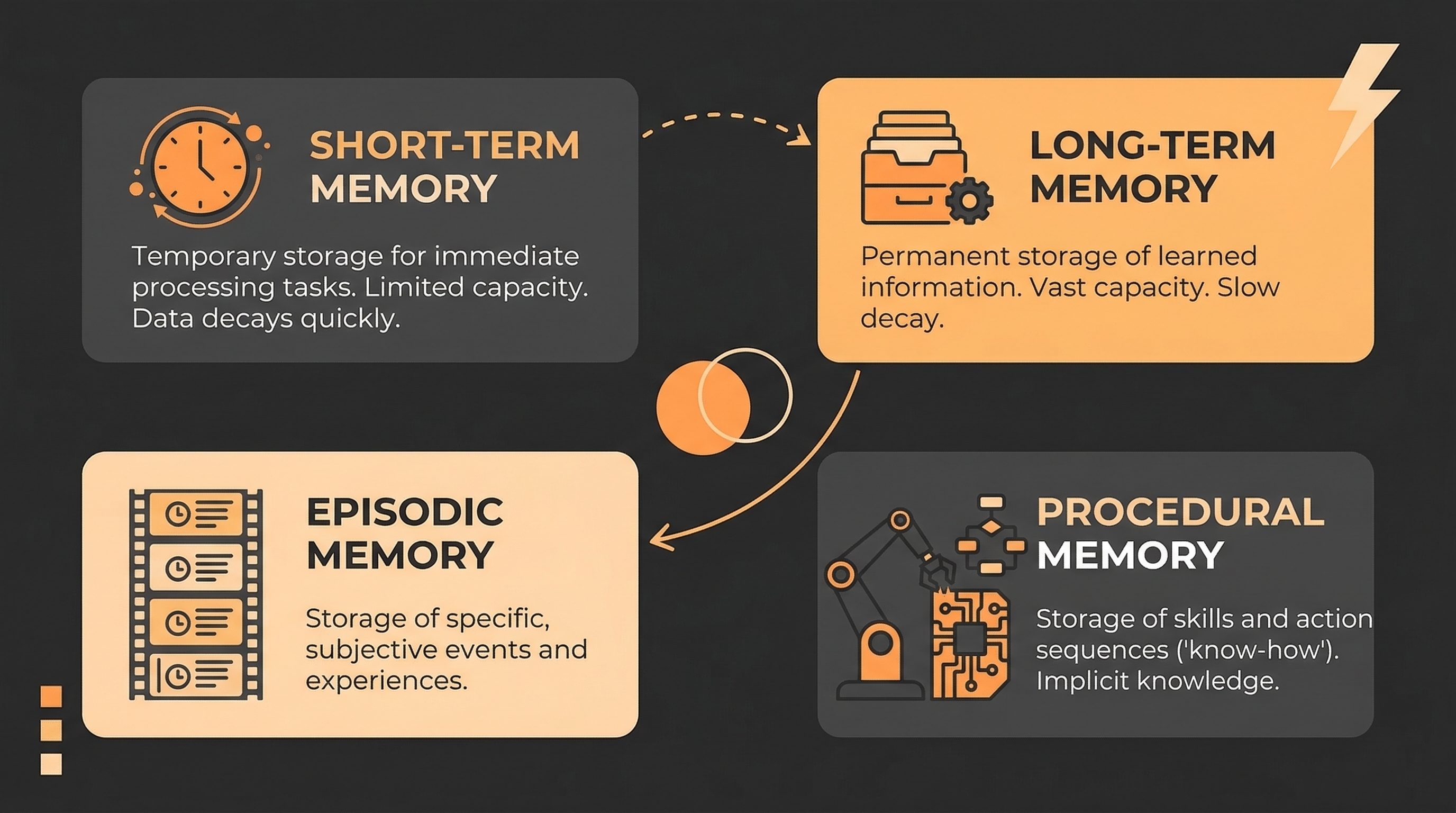
Start with short-term only. Add more when tests show you need it.
Real Examples That Worked
Power Design's HelpBot tackled one problem: IT staff spent hours on password resets and access requests. The bot handled these automatically. It saved over 1,000 hours. The metric was clear from day one.
Emirates Hospital had too many patients skipping appointments. They built an agent to follow up and reschedule automatically. No-shows dropped from 21% to 10%.
Enterprise coding teams use separate agents for separate problems — one for PR review, one for dependency upgrades, one for test writing. Each agent has one job. None tries to do everything.
Same pattern in every case: one clear problem → one clear metric → one focused agent.
What Does It Cost?
Know the numbers before you build.
| Project Type | Build Cost |
|---|---|
| Simple agent | $5.000 - $40.000 |
| Mid-complexity app | $40.000 - $120.000 |
| Enterprise multi-agent | $120.000 - 180.000 |
| Monthly running costs | $3.200 - $13.000 |
The biggest surprise for most teams? Data prep. It takes up 60–75% of total project time. Not the AI model. Not the framework. Getting your data clean and connected.
A problem is worth solving with an agent when the cost of the problem is bigger than the cost of the agent. If it's not, don't build.
Start With the Problem
The agentic AI market is growing fast. It's worth $7.29 billion today. It could hit $199 billion by 2034.
The tools are ready. The frameworks work. 57% of companies already run AI agents in production.
But only 14% have those agents working at real scale. The gap isn't technical. It's this: most teams never clearly defined the problem they were solving.
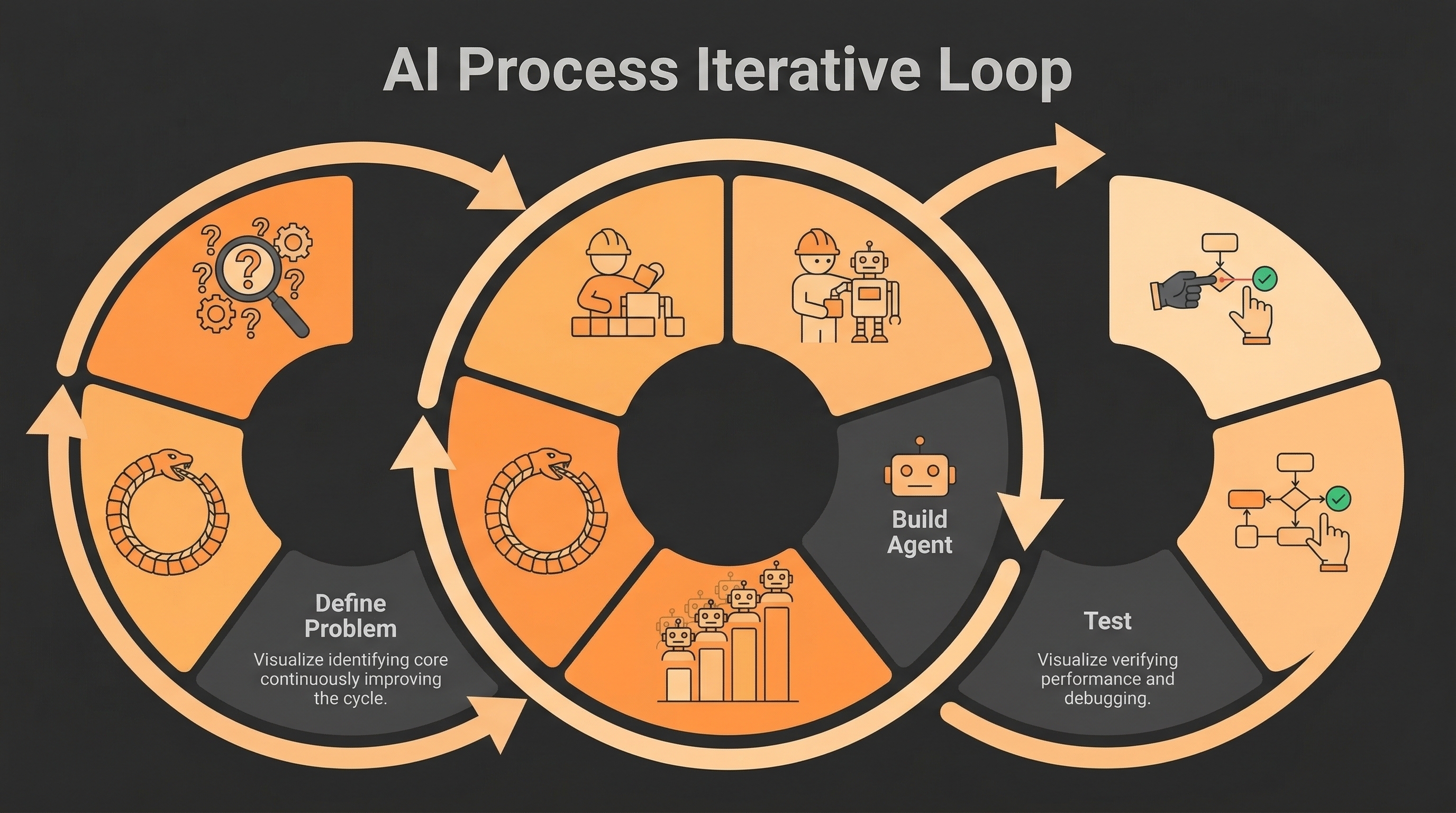
Building agentic AI applications with a problem-first approach closes that gap. Pick one problem. Measure it. Build the smallest agent that fixes it. Test it. Then grow from there.
The teams winning with AI agents in 2026 aren't the ones with the fanciest setup. They're the ones who started with the right question.