Repurposing still images into video across three platforms takes hours. Those are hours that should go toward strategy and audience building. Kling AI converts any static image into cinematic video with realistic motion and camera effects in under two minutes, giving growth creators a production shortcut that matches the output quality of dedicated video shoots.
We evaluated 17 AI video tools in our directory, comparing image-to-video capabilities, output quality, pricing, and real user feedback to find the 6 best options for Growth stage creators producing content at scale.
Quick Picks
| Tool | Best For |
|---|---|
| Kling AI | Cinematic image-to-video with character consistency |
| Higgsfield | Multi-model access with professional camera presets |
| A2E AI Videos | Free daily credits with unrestricted generation |
| Artta AI | All-in-one creative studio (video, image, audio, music) |
| Kreado AI | Multilingual avatar videos from uploaded images |
| Funy AI | Zero-friction free generation with no signup |
Full Comparison
| Tool | Best For | Starting Price | Key Feature | Rating |
|---|---|---|---|---|
| Kling AI | Cinematic motion | $6.99/mo | Multi-element character consistency | 4.5/5 |
| Higgsfield | Multi-model access | $15/mo | 70+ cinematic camera presets | 4.5/5 |
| A2E AI Videos | Free generation | $9.90/mo | 30 daily free credits, 4K output | 4.5/5 |
| Artta AI | Multi-media creation | $19.90/mo | 10+ AI models in one platform | 4.0/5 |
| Kreado AI | Multilingual video | $19/mo | 140+ languages, avatar cloning | 4.5/5 |
| Funy AI | No-signup access | $24.99 (one-time) | Commercial-use free tier | 4.3/5 |
Kling AI: Best for Cinematic Image-to-Video with Character Consistency
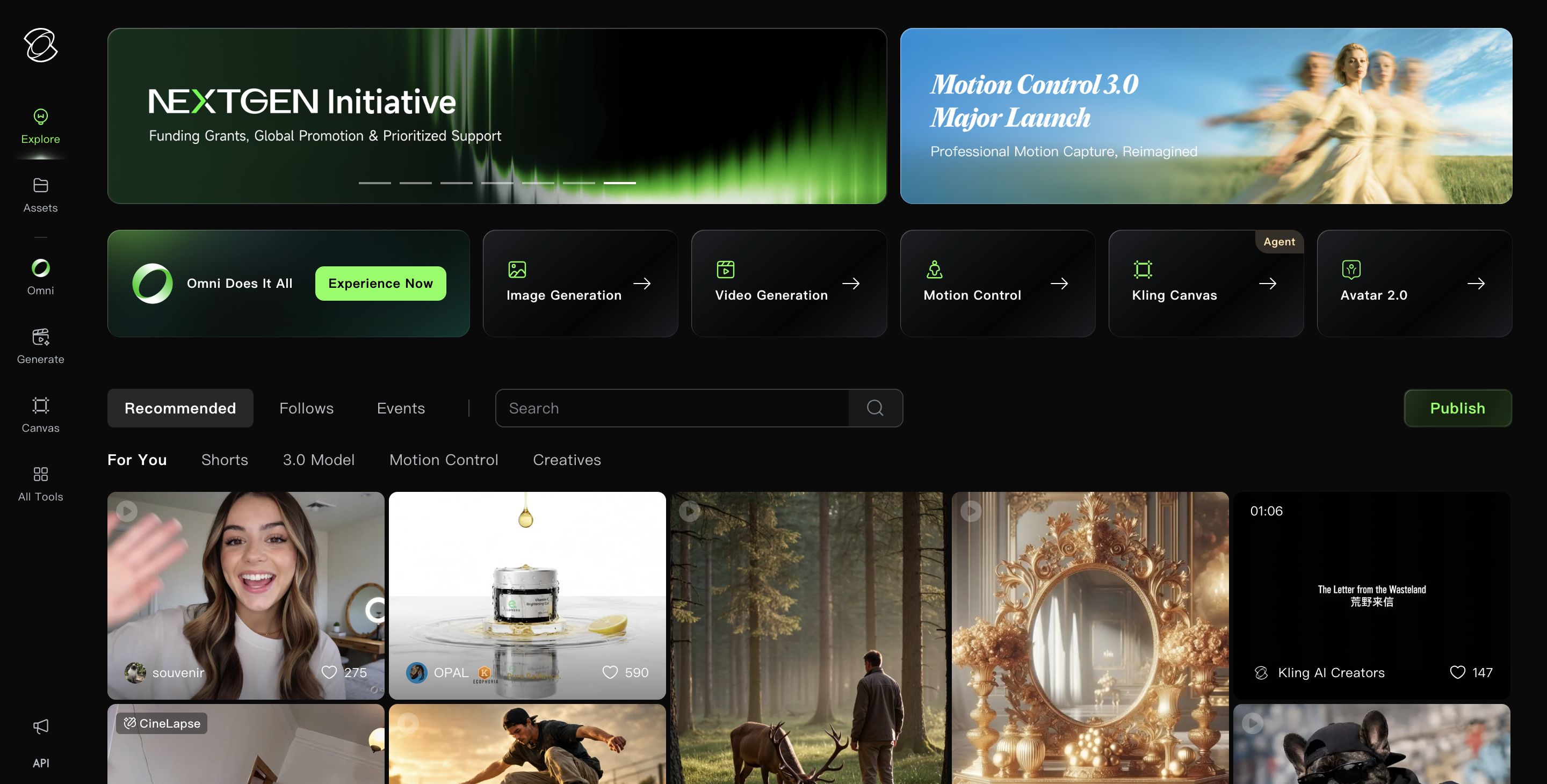
Kling AI is the image-to-video tool that growth creators reach for when they need cinematic-quality output from a single still frame. The platform handles text-to-video, image-to-video, and multi-element editing with character consistency across shots, outputting at 1080p and up to 30fps.
Kling AI reached $240M ARR by December 2025, the fastest commercial growth among major AI video platforms. The platform's multi-element system lets you reference up to four images to maintain consistent character identity across multiple generations, solving the "different face every clip" problem that plagues competing tools.
Key features:
- Image-to-video generation with realistic depth and motion from 2D inputs
- Multi-element editing referencing up to 4 images for character consistency
- Video extension up to 3 minutes through chained clips
- Motion Control for lip-sync, gestures, and expressions
- 1080p output at 30fps with multiple aspect ratios (1:1, 16:9, 9:16)
Pricing: Free tier with 66 daily credits (no commercial use). Standard starts at $6.99/mo with 660 credits, 1080p, watermark-free output, and commercial rights. Pro at $25.99/mo includes 3,000 credits and priority access. Ultra at $127.99/mo provides 26,000 credits.
Pros:
- Cinematic camera motion and lifelike POV effects rated among the most realistic available by reviewers
- Free tier refreshes daily, allowing consistent testing without payment commitment
- Generation times dropped significantly with Kling 2.5 Turbo mode
Cons:
- Credits deplete faster than expected; one user reported spending $30 for 10,000 credits and generating only two 5-second videos
- Free users face multi-hour queue wait times; paid users typically wait 2-3 minutes per clip
- Customer support receives consistent complaints on Trustpilot for slow or non-existent responses
Higgsfield: Best for Multi-Model Access with Professional Camera Presets
Higgsfield aggregates frontier AI models (Kling 3.0, Sora 2, Veo 3.1) into a single creative platform with 70+ cinematic camera presets, eliminating the need to juggle separate subscriptions for each model. Growth creators get access to the best output from multiple engines without managing multiple accounts.
The platform's Cinema Studio 3.0 delivers industry-level video quality with a unified character library, while Soul ID maintains visual consistency across scenes and clips up to 30 seconds. Higgsfield rates 4.5/5 on G2 from 29 verified reviews.
Key features:
- 15+ AI video models accessible from one account (Sora 2, Veo 3.1, Kling 3.0)
- 70+ cinematic camera motion presets for professional-grade movement
- Image-to-video conversion using your choice of underlying model
- Soul ID character creation for consistent appearance across generations
- Model comparison to test the same prompt across different engines
Pricing: Free tier with limited model access. Starter at $15/mo (200 credits). Plus at $25/mo billed annually (1,000 credits, all models, Cinema Studio 3.0). Ultra at $52/mo billed annually (3,000 credits). Business at $31/seat/mo billed annually.
Pros:
- Single platform eliminates 4-6 separate subscriptions for accessing top-tier models
- Camera movements and depth effects feel intentional rather than random, per LinkedIn reviewer
- Constant platform updates and responsive support praised on Trustpilot (64% five-star reviews)
Cons:
- "Unlimited" plan throttles usage via a battery system; heavy users get locked out and must pay $5 extra to continue
- Signup page defaults to annual billing on every load, resulting in accidental $294 annual charges per Reddit reports
- Not designed for long-form or highly detailed narrative projects; customization limited compared to full editing software
A2E AI Videos: Best for Free Daily Credits with Unrestricted Generation
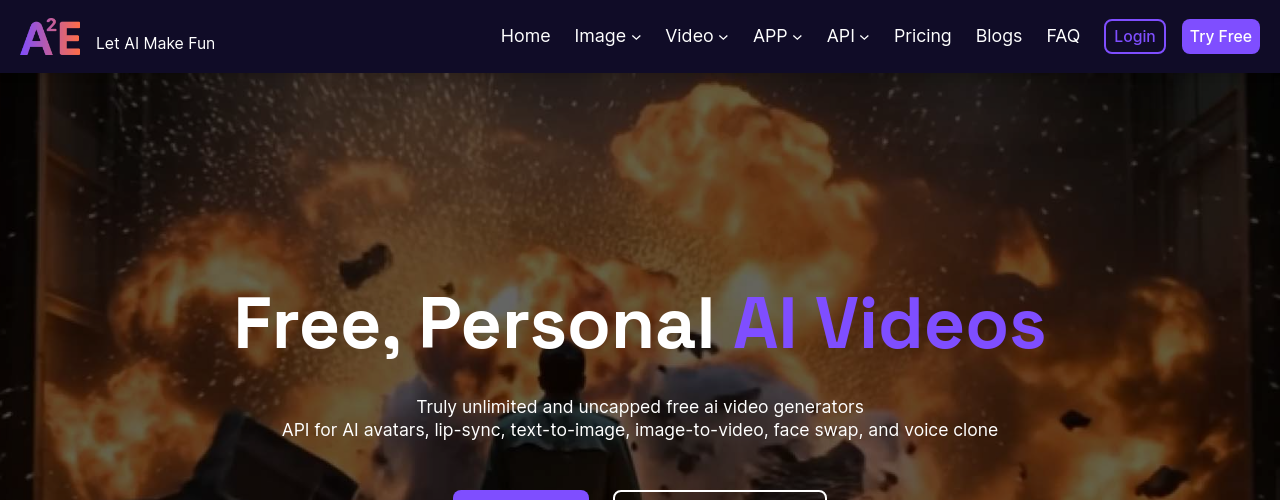
A2E AI Videos bundles over 20 AI video and image tools into a single credit-based interface, with image-to-video as a core workflow. The platform integrates Kling, Veo 3.1, Wan 2.7, and Seedance models, giving growth creators access to multiple generation engines through one dashboard with 30 free daily credits.
The free tier is the most generous in this category. Creators can test different AI image to video generator options, compare model outputs, and build confidence before upgrading. Output reaches 4K on paid plans, and the platform positions itself as having fewer content restrictions than competitors.
Key features:
- Image-to-video using Wan 2.6, Kling, Seedance 2.0, or Veo 3.1 models
- 30 daily free credits (no credit card required)
- 4K video output on Ultra plan
- Voice cloning in 50+ languages
- REST API with no-code sandbox for developer integration
Pricing: Free plan with 30 daily credits, watermarked 720p output. Pro at $9.90/mo removes watermarks, adds API access, 1,800 monthly credits, and up to 2K video. Ultra at $39/mo includes 9,000 credits and 4K output. Max plan with unlimited generation on select tools available on custom pricing.
Pros:
- Trustpilot reviewers praise creative freedom and consistently high output quality
- Free plan provides genuine daily usage without requiring payment information
- Multi-model selection lets you compare outputs from different engines on the same image
Cons:
- AI occasionally produces inconsistent results when transforming images of people, per Trustpilot user reports
- Free plan capped at 720p; full resolution requires paid upgrade
- Smaller review footprint than established competitors (no G2 or Product Hunt presence)
Artta AI: Best for All-in-One Creative Studio (Video, Image, Audio, Music)
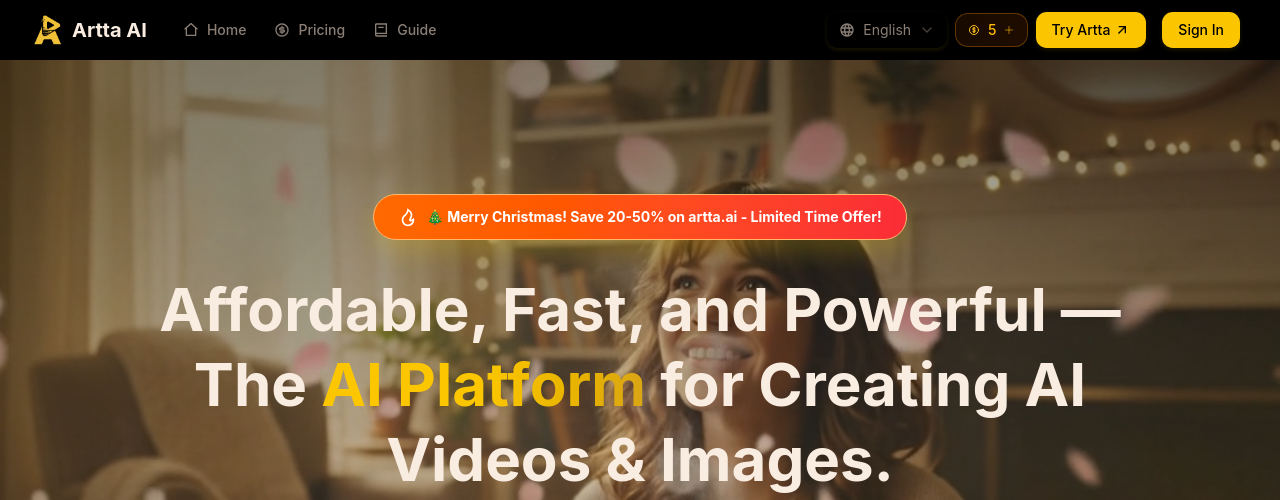
Artta AI puts video, image, voice, and music generation under one roof, with access to Sora 2, Veo 3.1, Kling 2.6, Seedance 2.0, Flux Kontext, and ElevenLabs. Growth creators managing multiple content formats get one credit balance that works across all media types and all models.
The platform supports image-to-video workflows alongside text-to-video, video-to-video, and multi-modal generation. One tester reported production time dropping "from days to hours" after switching to Artta's unified interface. The AI video market is projected to reach $71.50 billion by 2030 (Market.us, 2025).
Key features:
- 10+ AI models for video generation (Sora 2, Veo 3.1, Kling 2.6, Seedance 2.0)
- Image-to-video with reference image upload (up to 9 images)
- AI music composition via Suno V5
- Voice synthesis in 29+ languages via ElevenLabs
- Daily free credit with no subscription required
Pricing: Free plan with 1 daily credit (no card required). Basic at $19.90/mo (200 credits, up to 20 videos). Pro at $39.90/mo (500 credits, 50 videos). Max at $69.90/mo (1,050 credits). Pro Max at $99.90/mo (2,100 credits, 210 videos). All paid plans include commercial rights and watermark removal.
Pros:
- Replaces 4-6 separate subscriptions with one unified platform per EasyAI 60-day test
- Model selection control lets you pick the best engine for each specific generation task
- Daily free credit enables ongoing testing without any payment commitment
Cons:
- Polarized rating on There's An AI For That (2.8/5 from 6 ratings), signaling inconsistent user experiences
- No native integration with YouTube, Vimeo, or major distribution platforms
- Credit system complexity creates friction for users unfamiliar with multi-model pricing
Kreado AI: Best for Multilingual Avatar Videos from Uploaded Images
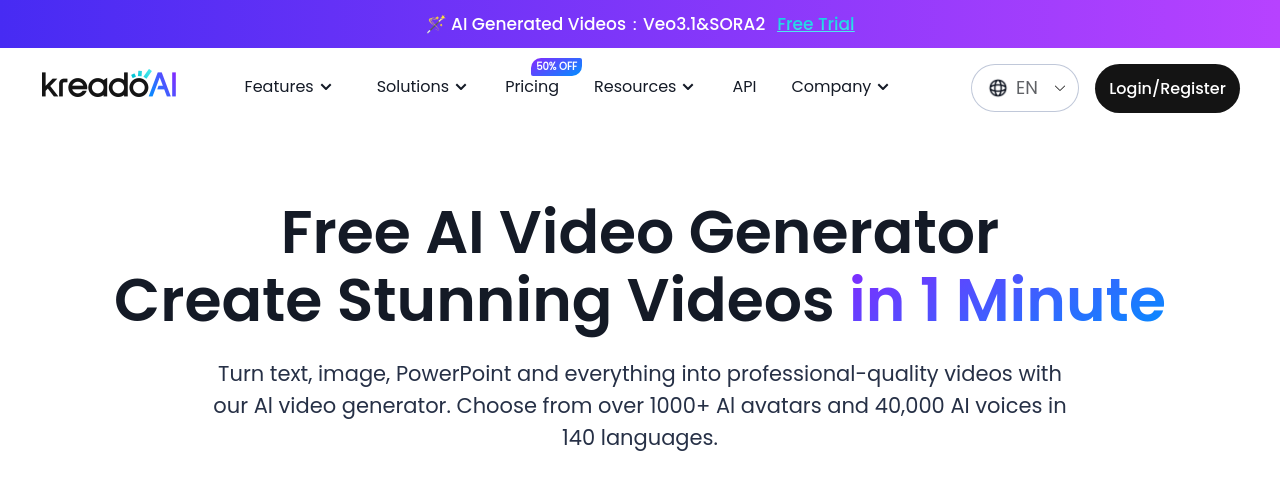
Kreado AI converts uploaded images into avatar-driven videos with lip-synced narration in 140+ languages. For growth creators expanding to international audiences, this solves the localization problem: upload one image, generate video versions in multiple languages without re-filming or hiring translators.
The platform serves over 2 million customers across 200 countries, with enterprise clients including Airbnb, Volkswagen, and NYU. Demand for AI video creators surged 66% between May and December 2025 (Fiverr Business Trends Index), and Kreado's image-to-video feature starts at just 6 K-coins per clip.
Key features:
- AI Image-to-Video conversion starting at 6 K-coins per video
- 1,000+ AI avatars with instant cloning from your own footage
- 40,000+ voices across 140+ languages with lip-sync
- AI Video Translation into 13 languages
- TikTok-style avatar video generation (unlimited on paid plans)
Pricing: Free plan with 180 K-coins, 5 avatars, 31 languages, 3 minutes total video. Premium at $19/mo (1,800 K-coins, 700+ avatars, 140 languages, 30 minutes/month). Pro at $40/mo (3,000 K-coins, 1,000+ avatars, API access, unlimited video translation). Enterprise on custom pricing.
Pros:
- Voice quality powered by Microsoft and ElevenLabs models with 99% accuracy on studio recordings
- Fast content production; most videos generate in under a few minutes
- Instant avatar cloning lets you create a digital presenter from a short clip
Cons:
- Avatar gestures repeat across videos (same head nod, same hand wave); noticeable in high-volume production
- Customer support response times of 24-48 hours cited by multiple reviewers
- No team collaboration features; no shared workspaces or approval workflows
Funy AI: Best for Zero-Friction Free Generation with No Signup
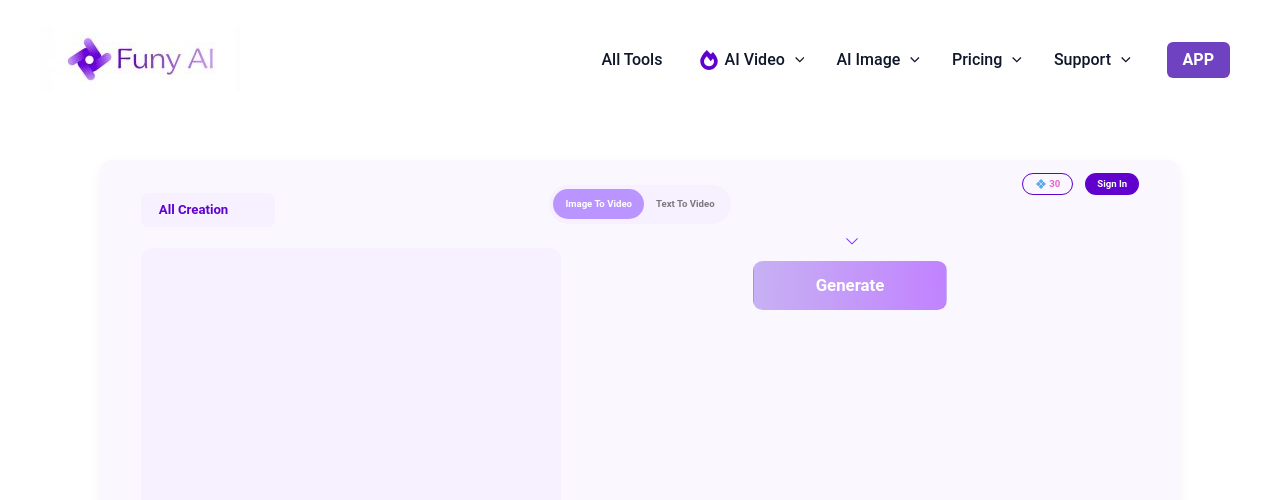
Funy AI removes every barrier to trying AI image to video generation: no account creation, no email, no credit card. Growth creators get 30+ free credits immediately with commercial-use rights on all generated content, making it the fastest path from "I have an image" to "I have a video" in this category.
The platform works across Windows, Mac, iOS, and Android with a one-time credit pack model (no recurring subscriptions). For creators testing the image-to-video workflow before committing to a monthly tool, Funy AI provides genuine no-barrier access. Nearly 49% of marketers now use AI video generation in their workflows (eMarketer, 2025), and Funy AI targets those wanting to experiment before scaling.
Key features:
- Image-to-video with no account registration required
- 30+ free credits with commercial use rights
- Cross-platform (Windows, Mac, iOS, Android browser-based)
- One-time credit packs instead of recurring subscriptions
- Multiple output styles (photorealistic, cartoon, anime, abstract)
Pricing: Free tier with 30+ credits, no watermarks, commercial use. Standard pack at $24.99 one-time (3,000 credits, 720p, 10s max). Premium pack at $79.99 one-time (20,000 credits, 1080p, no expiry). Deluxe pack at $149.99 one-time (60,000 credits, 1080p, hyper-speed processing).
Pros:
- Genuinely no signup required; start generating within seconds of landing on the platform
- One-time pricing eliminates subscription fatigue for occasional users
- Generated content is public domain with explicit commercial use approval
Cons:
- Mobile app experience significantly worse than web; App Store reviews report subscription bugs and heavy moderation
- 720p maximum on the free and Standard tiers; 1080p requires Premium or Deluxe purchase
- Output quality inconsistent for humor-dependent or complex scene generation
How We Chose These Tools
We started with 17 AI video tools in our directory and filtered specifically for image-to-video capability. Tools focused exclusively on avatars, text-to-video, or UGC ad generation without image input support were excluded, leaving 6 tools that genuinely serve the "upload an image, get a video" workflow.
Each tool was evaluated on output quality, pricing accessibility for Growth stage creators ($500-$5,000/mo revenue range), free tier availability, and real user feedback from G2, Trustpilot, Reddit, and Product Hunt. We prioritized tools where the image-to-video feature is a primary use case rather than a buried secondary option.
For Growth creators specifically, we weighted time savings and multi-platform output (vertical, horizontal, square) heavily. The primary bottleneck at this stage is post-production consuming hours that should go toward strategy and audience building. For a broader look at AI video generation beyond image-to-video, see 9 Best Free AI Video Generators in 2026.